
gaming
Best Gaming Monitor for PS5 – Complete Guide 2026

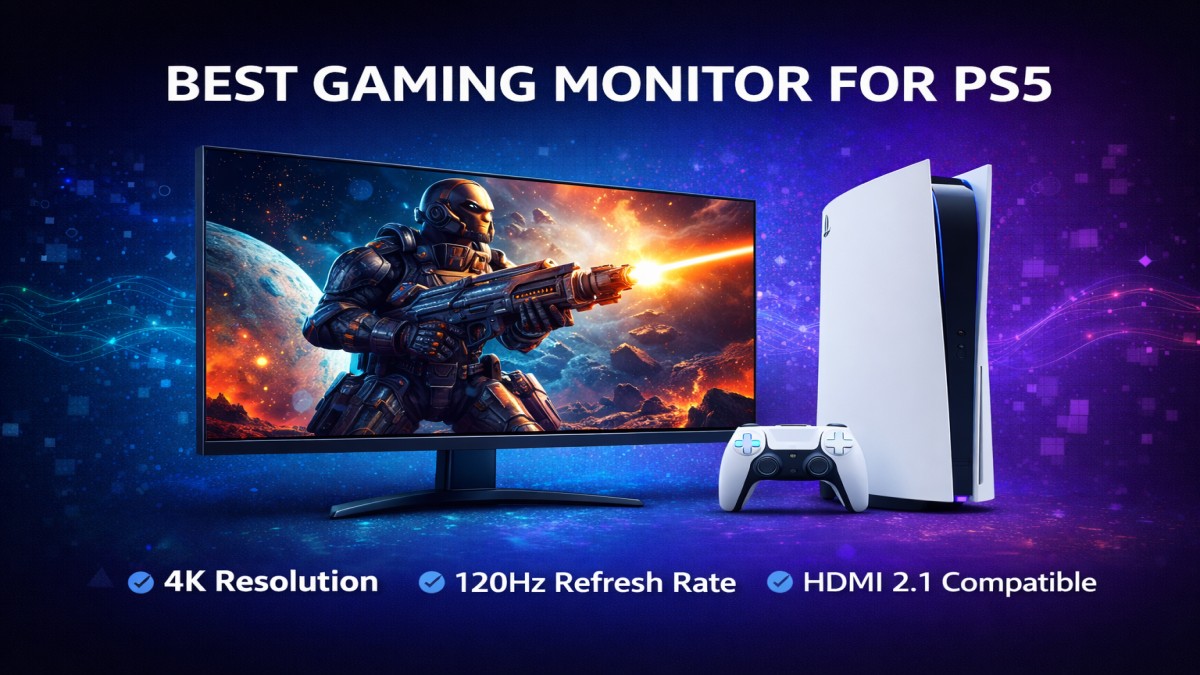
Best Gaming Monitor for PS5. If you’re a PlayStation 5 enthusiast, you know that a powerful console deserves an equally powerful display. The right gaming monitor doesn’t just make games look better—it makes gameplay smoother, reaction time sharper, and every explosion feel more immersive. Whether you’re sprinting through Ratchet & Clank: Rift Apart, dominating in Call of Duty, or building worlds in Minecraft, picking the best gaming monitor for PS5 can seriously level up your experience.
In this detailed guide, we’ll walk through all the key factors you need to consider, explore top monitor picks across budgets and features, and answer the most common questions about gaming monitors for the PS5.
Why the Right Monitor Matters for PS5 Gaming
Ask any gamer—your monitor is more than just a screen. It’s the bridge between your console’s raw power and your senses.
Resolution and Visual Fidelity
PS5 supports stunning 4K output. A monitor that showcases that clarity and detail breathes life into every game world.
Frame Rate and Responsiveness
Higher refresh rates mean smoother motion and faster reactions. Whether in fast-paced shooters or racing games, responsiveness is key.
Key Features to Consider
Screen Size and Aspect Ratio
Size matters. Larger screens with 27–32 inches are typically ideal for console gaming because they offer a more immersive experience without being overwhelming at typical viewing distances.
Ultrawide displays expand your field of view even further, great for racing, RPGs, and immersive titles—but not all games fully support ultrawide aspect ratios.
Resolution: 1080p vs 1440p vs 4K
- 1080p (Full HD): Smooth and affordable, but doesn’t take full advantage of PS5’s 4K capabilities.
- 1440p (QHD): A sweet spot for PC gamers, but native 1440p support on PS5 is still limited.
- 4K (UHD): The PS5’s sweet spot. Crisp, detailed visuals that make every game pop.
Refresh Rate and Response Time
PS5 can output up to 120Hz at compatible resolutions. To make the most of this:
- Aim for 120Hz or higher monitor refresh rate
- Choose low response time (1–4ms) for reduced motion blur
These features matter especially in competitive and fast-paced genres.
HDR and Color Accuracy
High Dynamic Range (HDR) delivers richer colors and contrast. Monitors with HDR10 support elevate visuals with brighter highlights and deeper shadows.
Accurate color reproduction ensures that games look as the developers intended.
Connectivity and Ports
HDMI 2.1 Importance
To unlock PS5’s 4K at 120Hz potential, you need HDMI 2.1. Older HDMI versions may cap at lower resolutions or refresh rates.
Check that your monitor has:
- HDMI 2.1 ports
- Multiple HDMI inputs for convenience
Best Gaming Monitors for PS5 in 2026
Here are the standout monitors across different needs and budgets:
Ultra-Premium 4K HDMI 2.1 Monitors
If money isn’t a worry and you want the best of the best:
- Top-tier 4K 120Hz displays
- Excellent HDR
- Ultra-fast response times
These monitors future-proof your setup and provide stunning visuals.
Great Mid-Range 4K Monitors
Perfect for players who want excellent performance without breaking the bank:
- Pretty solid refresh rates
- Good HDR performance
- Great all-around gaming and entertainment experience
Ideal for most PS5 gamers.
Budget-Friendly Picks
Not everyone needs premium features. Budget-friendly options still offer:
- Decent 60–120Hz performance
- Good image quality
- Reliable gameplay experience
Perfect for casual gamers or secondary setups.
Best Ultrawide Monitors for PS5
Ultrawide monitors offer cinematic viewing and expanded field of view. Best suited for:
- RPGs and adventure games
- Games that support ultrawide resolutions
- Multi-use setups (gaming + productivity)
Conclusion
Choosing the best gaming monitor for PS5 can transform your gaming experience from good to legendary. Whether you’re chasing ultra-smooth performance with HDMI 2.1, seeking vibrant visuals with HDR, or simply want a reliable gaming screen on a budget, there’s an option for you. Focus on resolution, refresh rate, connectivity, and HDR support to ensure you unlock everything the PS5 has to offer.
Gaming isn’t just about graphics—it’s about feeling connected to the world on screen. And the right monitor makes that feeling unforgettable.
FAQs
1. Can the PS5 run 4K at 144Hz?
PS5 supports up to 120Hz at 4K. Monitors with higher refresh rates are compatible but will run at 120Hz with PS5.
2. Should I pick OLED or LCD for PS5?
OLED offers deeper blacks and richer colors, but LCD with high refresh rates can still deliver excellent performance.
3. Is VRR important for PS5 gaming?
Yes! Variable Refresh Rate (VRR) reduces screen tearing and makes motion feel smoother.
4. Can I use a PC monitor for PS5?
Absolutely. Just ensure it has HDMI 2.1 and supports the resolution/refresh rate you want.
5. What’s better—curved or flat monitors?
Curved monitors enhance immersion for wide panels, but flat screens are generally more versatile and often less expensive.

Freelance Jobs for Beginners USA (Start with No Experience)

Side Hustle Ideas from Home USA (No Experience Needed) – Beginner’s Guide

Online Jobs from Home USA (Daily Pay) – Start Earning Instantly

Beton Celular Autoclavizat: The Future of Lightweight, Eco-Friendly Construction

Goblets: A Timeless Symbol of Elegance and Celebration

AI Tools for Making Money Online Free (Best 2026 Guide)

Passive Income Apps USA Free: Earn Money Effortlessly in 2026

How to Earn Money from Home Without Investment

ChatGPT Alternatives Free No Login (2026 Guide)

Everything You Need to Know About Koeas
Ishraq Time in Delhi: What It Is, When It Happens, and Why It Matters
Beton Celular Autoclavizat: The Future of Lightweight, Eco-Friendly Construction

Read OPM Manga Online: Where and How to Enjoy One Punch Man Legally

Technisches Gymnasium: Your Gateway to Engineering and Technology

Why Every Small Business Needs a Digital Marketing Agency
Goblets: A Timeless Symbol of Elegance and Celebration

Gold Shower: Nature’s Cascading Yellow Wonder

The Indian Bow: A Legacy of Precision, Power, and Tradition

Robert Provost: A Life of Leadership, Community, and Vision

Are Political Donations Tax Deductible?
Freelance Jobs for Beginners USA (Start with No Experience)
Side Hustle Ideas from Home USA (No Experience Needed) – Beginner’s Guide
Online Jobs from Home USA (Daily Pay) – Start Earning Instantly
Beton Celular Autoclavizat: The Future of Lightweight, Eco-Friendly Construction
Goblets: A Timeless Symbol of Elegance and Celebration
AI Tools for Making Money Online Free (Best 2026 Guide)
Passive Income Apps USA Free: Earn Money Effortlessly in 2026
How to Earn Money from Home Without Investment
ChatGPT Alternatives Free No Login (2026 Guide)
Everything You Need to Know About Koeas

 entertainment7 months ago
PYT Telegram: A Complete Guide to Understanding, Using, and Maximizing It

 entertainment7 months ago
OnionFlix: Everything You Need to Know About This Streaming Website
- others6 months ago
Nook vs Kindle: Which E-Reader Is Right for You?
- gaming7 months ago
Melisandre: The Enigmatic Priestess of Game of Thrones




