business
How to Create a Digital Product to Sell: A Simple Guide for Small Business Beginners


A digital product is something you make once and sell again and again — a template, a printable planner, a short guide, or a set of presets. There is no stock to store, nothing to post, and no per-sale making time. That is why so many small business owners are learning how to create a digital product to sell as a simple side income next to their main work. Done well, passive income digital products can keep earning long after the work of making them is finished.
This guide walks through the whole process in plain steps: picking an idea people will pay for, making the product, pricing it, and getting your first sales.
What Is a Digital Product?
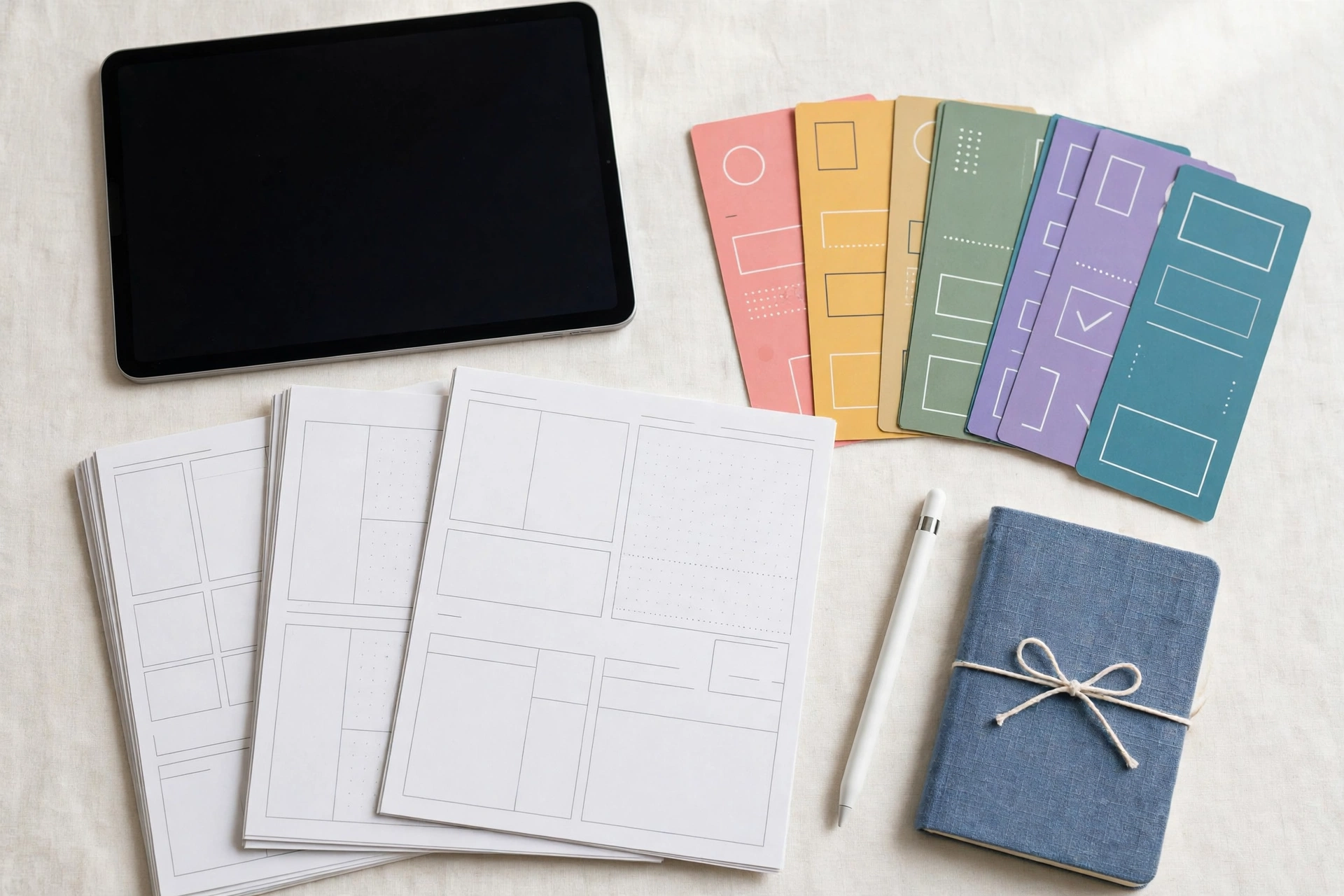
A digital product is a file your customer downloads after paying. Common examples are planners and trackers, spreadsheet templates, checklists, ebooks, worksheets, presets, and short how-to guides. The customer gets the file straight away, and you do not need to make it again for the next buyer.
For a small business, the appeal is simple. You already know something useful — how you plan your week, track your spending, or organise a job. A digital product turns that know-how into something you can sell while you are busy with other work.
Pick an Idea People Will Pay For
The most common beginner mistake is making a product nobody asked for. Start with a problem, not a product. Think about the questions people already ask you, the tasks your customers find fiddly, and the small jobs you do every week without thinking.
Good starter ideas include a budget planner for new parents, a weekly meal planner, a simple invoice template, a wedding checklist, or a study timetable. If you are looking for digital product ideas to sell, start with the problems you already know how to solve. Some of the best digital products to sell for beginners are the simplest ones — a one-page template or a short checklist that solves one clear problem. If you already sell a service, look at what your clients keep asking for — a template version of that answer is often your first product.
Freelance business ideas often work the same way: a designer sells social media templates, a tutor sells revision worksheets, and a bookkeeper sells a simple expense tracker. The skill is the same; the product is simply the skill, packaged so it can be sold without your time.
Before you build anything, test the idea cheaply. Ask five people whether they would pay for it, search for similar products to see what sells, and check whether people are already looking for help with that problem. A little checking now saves weeks of work on a product nobody wants.
How to Create a Digital Product to Sell
Once your idea is clear, the creation itself is straightforward. Follow these steps in order, and do not skip the testing step — it is the one beginners regret skipping most.
1. Plan what goes inside. Write a one-page outline before you open any tool. List exactly what the buyer gets: how many pages, what each page does, and what problem each part solves. A clear outline keeps the product focused and stops it growing into an unfinished monster.
2. Choose simple tools. You do not need expensive software. Word processors, spreadsheet apps, and free design tools are enough for most first products. Pick a tool you already know rather than learning a new one mid-project.
3. Make a clean first version. Build the product, then use it yourself for a week. Fill in the planner, follow the checklist, or run the template with real numbers. Every awkward step you find is one your buyer would have found too.
4. Test it with a real person. Give the file to one or two people and watch what confuses them. Fix unclear headings, broken links, and instructions that assume too much. A product that a stranger can use without asking you anything is ready to sell.
5. Package it properly. Save the file in a format your buyers can open easily, such as PDF for printables and guides, or a spreadsheet file for trackers. Include a short “how to use this” page at the start so the buyer never feels lost.
Choose the Right Format
The format should match how the buyer will use the product. Printable planners and checklists work best as PDFs, because the buyer can print them at home. Trackers and budget sheets work best as spreadsheets, because the buyer wants the numbers to add up automatically. Short guides and ebooks work best as PDFs with a clear table of contents. If your first product is a short guide, the steps for how to sell ebooks online are the same as for any digital product: a clear topic, a clean file, and a simple listing that says what the buyer gets.
Keep the design simple. Clean headings, plenty of white space, and one consistent style beat a busy design every time. Your buyer cares about whether the product helps them, not about fancy graphics.
Where to Sell Digital Products Online
When the product is ready, you need somewhere to sell it. The simplest option for a beginner is your own website, where you keep control of the price, the customer list, and the way the product is presented. Many small business owners start by adding a simple shop page to the website they already have.
Marketplaces are the other common route. They bring visitors, but they take a fee and set many of the rules. Some sellers use both: a marketplace for discovery, and their own website for repeat buyers. There is no single right answer — pick the place your buyers already shop, and start there.
Whatever you choose, make the listing clear. Show what the buyer gets, show a sample page, and say plainly what file format they will receive. Confused buyers do not buy.
How to Price Digital Products
Pricing a first product feels hard, but a simple method works well. Start by looking at what similar products sell for, then place yours in the same range. A simple one-page template might sell for a few pounds, while a full planner or a detailed guide can sell for much more.
When you are learning how to price digital products, remember that buyers pay for the result, not the file. A budget tracker that saves someone an hour a week is worth more than a pretty page that saves nothing. Price the help, not the paper.
Do not underprice to get sales. A very low price can make buyers doubt the quality, and it leaves no room for a discount later. Start at a fair price, and adjust it after your first ten sales, when you have real feedback instead of guesses. For a fuller look at pricing in general, see our guide on how to price your products.
How to Market Digital Products
A good product still needs buyers to find it. The simplest marketing is content: write helpful posts about the problem your product solves, share short tips on social media, and answer questions where your buyers already spend time. Each helpful post is a small signpost pointing back to your product.
An email list helps even more. Offer a free one-page sample in exchange for an email address, then send useful tips once a week. When you launch a new product, that list is the first place to tell. Planning these posts gets much easier with a small business content calendar — it keeps your marketing steady instead of rushed.
If you already run a service business, tell your existing customers first. A short note to people who trust you beats a hundred cold adverts. Many sellers find their first ten sales come from people they already know, and those early buyers often become their best reviewers.
Common Mistakes to Avoid
Making it too big. A first product should be small and finished. A ten-page planner that ships is better than a hundred-page course that never does.
Skipping the test. If you have not used the product yourself, your buyers will find the problems for you — and they will ask for refunds.
Copying someone else’s product. Similar ideas are fine, but your wording, design, and examples must be your own. Buyers can tell, and copied work can cause real trouble.
Forgetting the buyer. A product built for “everyone” helps no one. Keep one clear buyer in mind from the first page to the last.
Giving up after a quiet first week. Most first products sell slowly, and passive income digital products rarely pay off in week one. Improve the listing, share it in one more place, and give it time before you decide it failed.
FAQs
How long does it take to create a digital product?
A simple template or printable usually takes a few evenings, from outline to tested file. A longer guide can take two to three weeks. Start small so you finish.
Do I need a website to sell digital products?
No, but it helps. You can start on a marketplace, then add your own website later when you want more control over price and customers.
Can a beginner really sell digital products?
Yes. Beginners do best with simple products that solve one clear problem — a checklist, a tracker, or a short guide. You do not need to be an expert, only one step ahead of your buyer.
How much can I earn from digital products?
It varies widely. Some sellers earn a little extra each month, others build a real income over time. The honest answer is that steady sales come from a useful product, a clear listing, and regular marketing — not from one lucky launch.
Conclusion
Learning how to create a digital product to sell is mostly about keeping things simple: one clear problem, one useful product, one fair price, and one place to sell it. Pick an idea you already understand, make a small first version, test it with real people, and put it up for sale.
If you already sell your skills as a service, a digital product is a natural next step — it lets you earn from the same knowledge without trading more hours. Read our guide on how to start a freelance business to see how the two fit together, then start with one small product this week.

How to Create a Digital Product to Sell: A Simple Guide for Small Business Beginners

Christmas Marketing Ideas for Small Businesses: Simple Ways to Win Festive Customers

Benefit of Sole Proprietorship: Simple Advantages That Make Starting Easy

Grant Funding for Small Businesses: A Simple Guide to Finding and Winning Grants

Business Loans for New Business: A Simple Guide That Gets You Funded

Small Business Content Calendar: A Simple Guide That Keeps Your Posts on Track

How to Start a Freelance Business: Simple Steps That Turn Your Skills Into Income

Small Business Loyalty Program Ideas: Simple Ways That Keep Customers Coming Back

Small Business Budget Spreadsheet: A Simple Guide That Keeps Your Money on Track

LinkedIn Business Page Setup: Simple Steps for Small Business

How to Repurpose Blog Content for Social Media Without Starting From Scratch

How to Create a Small Business Content Marketing Plan That Actually Gets Results
How to Handle Customer Complaints in a Small Business: A Calm, Practical Guide That Turns Problems Into Loyalty

How to Write a Simple Business Plan for Your Small Business: A Practical Guide That Gets You Started
How to Create a Content Calendar for a Small Business

How to Write a Professional Business Email That Gets a Reply
How to Set Up a Simple Referral Program for Your Small Business: A Beginner’s Guide That Brings in New Customers

How to Set SMART Goals for a Small Business: A Practical Guide That Actually Works
How to Write a Business Proposal for Your Small Business: A Simple Guide That Wins Clients

How to Price Your Services as a Small Business: A Simple Guide That Protects Your Profit
How to Create a Digital Product to Sell: A Simple Guide for Small Business Beginners
Christmas Marketing Ideas for Small Businesses: Simple Ways to Win Festive Customers
Benefit of Sole Proprietorship: Simple Advantages That Make Starting Easy
Grant Funding for Small Businesses: A Simple Guide to Finding and Winning Grants
Business Loans for New Business: A Simple Guide That Gets You Funded
Small Business Content Calendar: A Simple Guide That Keeps Your Posts on Track
How to Start a Freelance Business: Simple Steps That Turn Your Skills Into Income
Small Business Loyalty Program Ideas: Simple Ways That Keep Customers Coming Back
Small Business Budget Spreadsheet: A Simple Guide That Keeps Your Money on Track
LinkedIn Business Page Setup: Simple Steps for Small Business

 entertainment1 year ago
PYT Telegram: A Complete Guide to Understanding, Using, and Maximizing It

 entertainment1 year ago
OnionFlix: Everything You Need to Know About This Streaming Website
- education1 year ago
How to Become a Software Engineer: A Complete Guide
- others1 year ago
Nook vs Kindle: Which E-Reader Is Right for You?