education
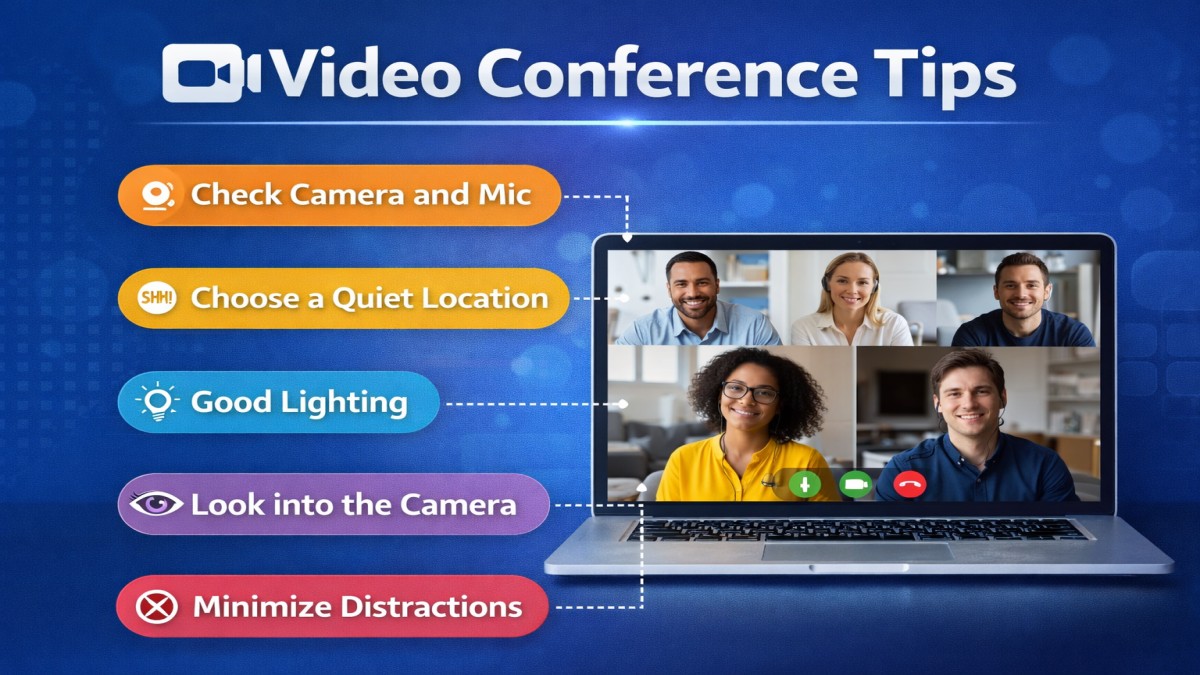
Video Conference Tips – Master the Art of Online Meetings


business5 hours ago
How to Start a Freelance Business: Simple Steps That Turn Your Skills Into Income

business13 hours ago
Small Business Loyalty Program Ideas: Simple Ways That Keep Customers Coming Back

business13 hours ago
Small Business Budget Spreadsheet: A Simple Guide That Keeps Your Money on Track

Social Media Marketing1 day ago
LinkedIn Business Page Setup: Simple Steps for Small Business

business2 days ago
Cold Email Examples That Get Replies: Simple Templates for Small Business

business2 days ago
How to Write a Follow Up Email After a Meeting: Simple Steps That Keep the Conversation Going

business2 days ago
How to Word a Business Proposal That Wins Clients: Simple Steps for Small Business

business2 days ago
How to Write an About Us Page for Small Business: Simple Steps That Build Trust

business2 days ago
How to Ask for a Testimonial from a Client: Simple Steps That Actually Work

business3 days ago
How to Choose a Domain Name for Your Business: Simple Steps That Help Customers Find You

Content Marketing2 weeks ago
How to Repurpose Blog Content for Social Media Without Starting From Scratch
business2 weeks ago
How to Handle Customer Complaints in a Small Business: A Calm, Practical Guide That Turns Problems Into Loyalty

Content Marketing2 weeks ago
How to Create a Small Business Content Marketing Plan That Actually Gets Results
Content Marketing2 weeks ago
How to Create a Content Calendar for a Small Business

business2 weeks ago
How to Set SMART Goals for a Small Business: A Practical Guide That Actually Works
business2 weeks ago
How to Set Up a Simple Referral Program for Your Small Business: A Beginner’s Guide That Brings in New Customers

business2 weeks ago
How to Write a Professional Business Email That Gets a Reply
business1 week ago
How to Write a Business Proposal for Your Small Business: A Simple Guide That Wins Clients

business1 week ago
How to Write a Simple Business Plan for Your Small Business: A Practical Guide That Gets You Started

business2 weeks ago
How to Price Your Services as a Small Business: A Simple Guide That Protects Your Profit
business5 hours ago
How to Start a Freelance Business: Simple Steps That Turn Your Skills Into Income
business13 hours ago
Small Business Loyalty Program Ideas: Simple Ways That Keep Customers Coming Back
business13 hours ago
Small Business Budget Spreadsheet: A Simple Guide That Keeps Your Money on Track
Social Media Marketing1 day ago
LinkedIn Business Page Setup: Simple Steps for Small Business
business2 days ago
Cold Email Examples That Get Replies: Simple Templates for Small Business
business2 days ago
How to Write a Follow Up Email After a Meeting: Simple Steps That Keep the Conversation Going
business2 days ago
How to Word a Business Proposal That Wins Clients: Simple Steps for Small Business
business2 days ago
How to Write an About Us Page for Small Business: Simple Steps That Build Trust
business2 days ago
How to Ask for a Testimonial from a Client: Simple Steps That Actually Work
business3 days ago
How to Choose a Domain Name for Your Business: Simple Steps That Help Customers Find You

 entertainment1 year ago
PYT Telegram: A Complete Guide to Understanding, Using, and Maximizing It

 entertainment1 year ago
OnionFlix: Everything You Need to Know About This Streaming Website
- education1 year ago
How to Become a Software Engineer: A Complete Guide
- others1 year ago
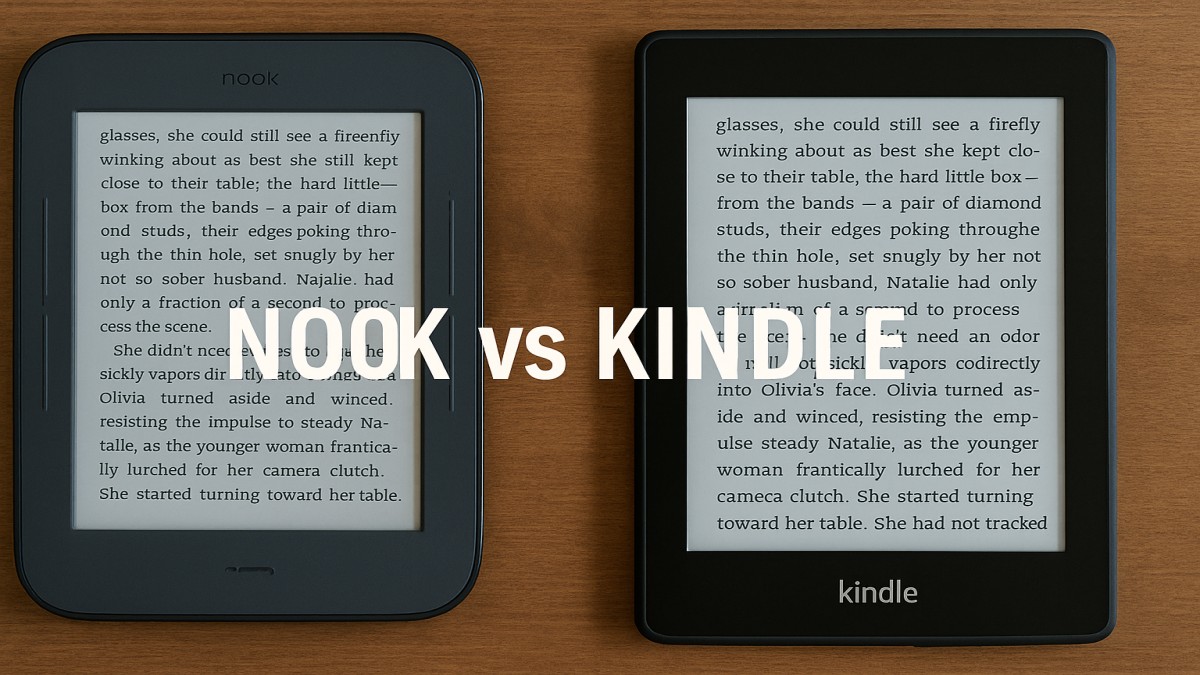
Nook vs Kindle: Which E-Reader Is Right for You?