
others
Power On Self Test Codes – A Complete Guide


Introduction to Power On Self Test (POST)
Power On Self Test Codes. When you press the power button on your computer, a lot happens behind the scenes before you ever see the operating system load. One of the most critical steps in this process is the Power On Self Test, commonly known as POST. Think of POST as a quick health check your computer performs on itself.
What Is POST?
POST is a diagnostic process run by the system firmware—BIOS or UEFI—immediately after the computer is powered on. Its job is simple but vital: check whether essential hardware components are working properly.
Why POST Is Important in Computers
Without POST, your computer would blindly attempt to load the operating system, even if key hardware like RAM or the CPU wasn’t functioning. POST ensures that the system only moves forward when the basics are in place.
Understanding POST Codes
What Are POST Codes?
POST codes are signals generated during the Power On Self Test to indicate the status of hardware initialization. These codes can appear as:
- Beeping sounds
- LED flashes
- Alphanumeric codes on a display
Each code corresponds to a specific test or error.
How POST Codes Work During Booting
As the system checks each component—CPU, memory, graphics card—it sends out POST codes. If everything is fine, the process continues silently. If something fails, the system stops and alerts you using a POST code.
Role of BIOS and UEFI in POST
BIOS and UEFI are responsible for running POST. While BIOS uses traditional methods like beep codes, UEFI often provides more advanced visual diagnostics.
Types of POST Codes
Beep Codes
Beep codes are sound signals produced by the motherboard speaker. Different patterns of long and short beeps indicate different issues.
LED POST Codes
Some systems use blinking LEDs on the motherboard to show error codes. These are common in laptops and compact systems.
POST Code Displays (Hex Codes)
High-end motherboards often include a two-digit or four-digit debug display that shows hexadecimal POST codes in real time.
Common POST Beep Codes Explained
One Beep – Normal Boot
A single short beep usually means everything is working perfectly. Your system is ready to boot.
Continuous Beeps – Hardware Faults
Non-stop beeping often points to serious issues like RAM failure or power supply problems.
Long and Short Beep Combinations
Different combinations may indicate graphics card errors, keyboard issues, or motherboard faults.
POST Codes by Major BIOS Manufacturers
AMI BIOS POST Codes
AMI BIOS uses specific beep patterns, such as:
- 1 beep: Memory refresh failure
- 5 beeps: CPU error
Award BIOS POST Codes
Award BIOS commonly uses:
- 1 long, 2 short beeps: Graphics card error
- Repeating short beeps: Power issue
Phoenix BIOS POST Codes
Phoenix BIOS uses a three-part beep system, like 1-2-2 or 3-3-4, each pointing to a precise fault.
POST Error Codes and Their Meanings
CPU Errors
CPU-related POST codes may indicate overheating, incorrect installation, or complete processor failure.
RAM Errors
Memory errors are among the most common. They usually mean faulty RAM modules or improper seating.
Graphics Card Errors
If your system powers on but shows no display, POST codes often point to GPU problems.
Keyboard and Peripheral Errors
While less critical, POST may stop if a keyboard isn’t detected, especially on older systems.
How to Troubleshoot POST Errors
Basic Hardware Checks
Start simple. Check power cables, ensure components are firmly connected, and remove dust buildup.
Reseating Components
Remove and reinstall RAM, GPU, and other expansion cards. Many POST errors are caused by loose connections.
Clearing CMOS
Resetting the CMOS can fix POST issues caused by incorrect BIOS settings.
When to Replace Hardware
If POST errors persist, faulty hardware replacement may be the only solution.
Conclusion
Power On Self Test codes are like your computer’s first language. They speak before the screen lights up and long before the operating system takes control. Understanding POST codes empowers you to diagnose hardware problems quickly, avoid guesswork, and keep your system running smoothly. Whether you’re a casual user or a seasoned technician, mastering POST codes is a skill worth having.
Frequently Asked Questions (FAQs)
1. What does POST stand for in computers?
POST stands for Power On Self Test, a diagnostic process run during startup.
2. Can a computer boot with POST errors?
In most cases, no. Critical POST errors stop the boot process.
3. Are POST codes the same for all motherboards?
No, they vary by BIOS manufacturer and motherboard model.
4. How do I know if my motherboard supports POST codes?
Check the motherboard manual for beep codes, LEDs, or debug displays.
5. Can software cause POST errors?
POST errors are hardware-related; software issues occur later during boot.

Dobutamine: Uses, Mechanism, Dosage, and Side Effects

Nopdle Magazine: Redefining Creative Culture Through Curated Innovation

Shop Easter Basket: The Ultimate Guide to Perfect Easter Gifts

Best Apps to Make Money Online USA (2026 Guide)

How to Start Affiliate Marketing with No Money

Freelance Jobs for Beginners USA (Start with No Experience)

Side Hustle Ideas from Home USA (No Experience Needed) – Beginner’s Guide

Online Jobs from Home USA (Daily Pay) – Start Earning Instantly

Beton Celular Autoclavizat: The Future of Lightweight, Eco-Friendly Construction

Goblets: A Timeless Symbol of Elegance and Celebration
Dobutamine: Uses, Mechanism, Dosage, and Side Effects
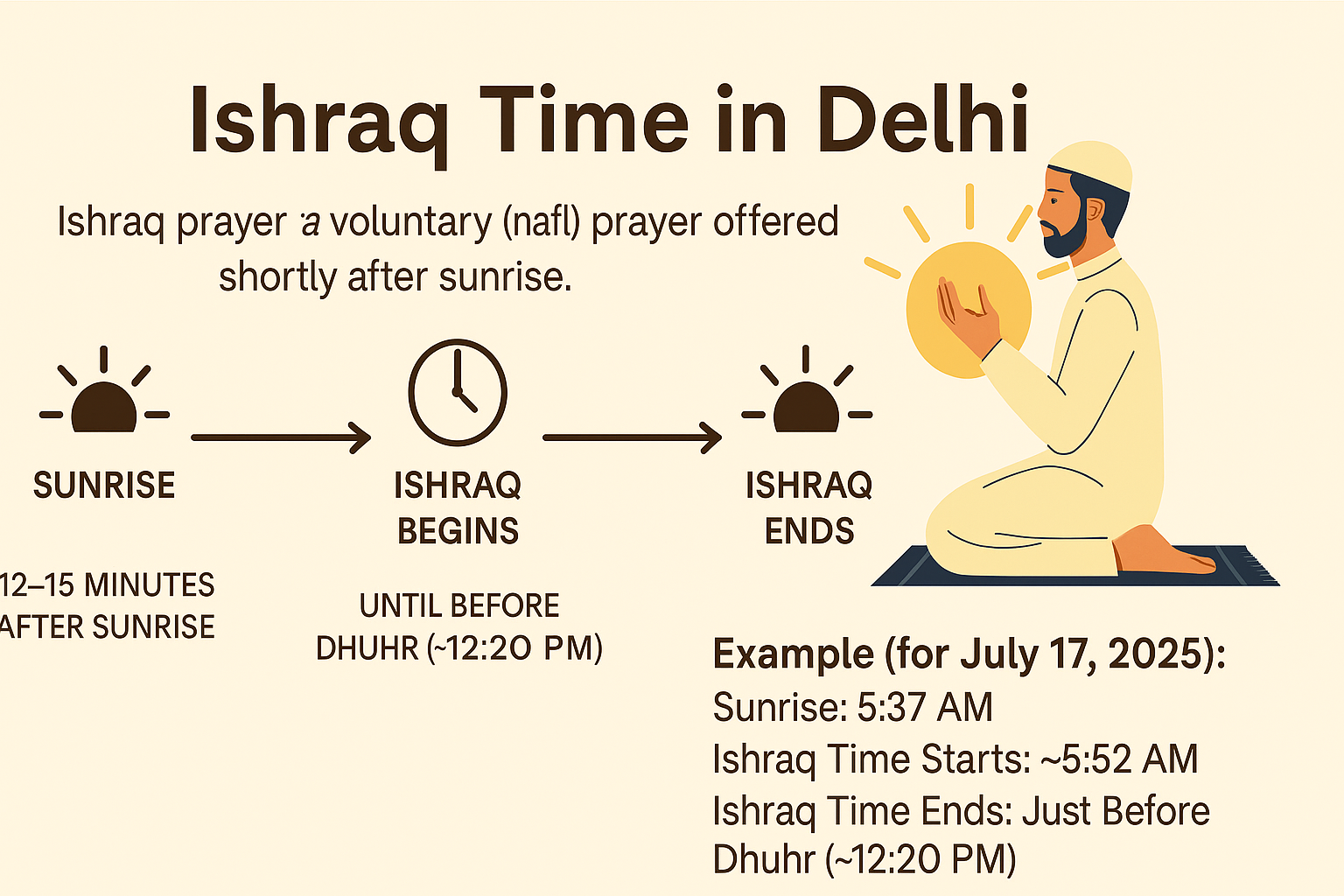
Ishraq Time in Delhi: What It Is, When It Happens, and Why It Matters
Beton Celular Autoclavizat: The Future of Lightweight, Eco-Friendly Construction

Read OPM Manga Online: Where and How to Enjoy One Punch Man Legally

Technisches Gymnasium: Your Gateway to Engineering and Technology

Why Every Small Business Needs a Digital Marketing Agency
Goblets: A Timeless Symbol of Elegance and Celebration
Nopdle Magazine: Redefining Creative Culture Through Curated Innovation

Gold Shower: Nature’s Cascading Yellow Wonder

The Indian Bow: A Legacy of Precision, Power, and Tradition
Dobutamine: Uses, Mechanism, Dosage, and Side Effects
Nopdle Magazine: Redefining Creative Culture Through Curated Innovation
Shop Easter Basket: The Ultimate Guide to Perfect Easter Gifts
Best Apps to Make Money Online USA (2026 Guide)
How to Start Affiliate Marketing with No Money
Freelance Jobs for Beginners USA (Start with No Experience)
Side Hustle Ideas from Home USA (No Experience Needed) – Beginner’s Guide
Online Jobs from Home USA (Daily Pay) – Start Earning Instantly
Beton Celular Autoclavizat: The Future of Lightweight, Eco-Friendly Construction
Goblets: A Timeless Symbol of Elegance and Celebration

 entertainment7 months ago
PYT Telegram: A Complete Guide to Understanding, Using, and Maximizing It

 entertainment7 months ago
OnionFlix: Everything You Need to Know About This Streaming Website
- others6 months ago
Nook vs Kindle: Which E-Reader Is Right for You?
- gaming7 months ago
Melisandre: The Enigmatic Priestess of Game of Thrones




